Affordable Conversion Optimization Tool Under $10 Per Month

TL;DR
Most A/B testing tools cost $99 to $300+ per month, pricing out startups and solo founders. But a handful of affordable conversion optimization tools under $10 per month actually exist, ranging from AI-powered paid options like Splitsense ($9/month) to genuinely useful free tiers from GrowthBook, PostHog, and Statsig. The catch: free tools almost always require developer resources, which is a hidden cost most people forget to factor in.
The $10 Problem Nobody Talks About
The average website converts at about 2.9% across industries. A/B testing can dramatically improve that number, with firms using CRO tools reporting an average ROI of 223%. Yet only 0.2% of websites actually run A/B tests.
Why the gap? Cost and complexity.
When Google killed its free Optimize tool in September 2023, it left over 500,000 websites without a testing solution. Most of those teams simply stopped testing. The habit disappeared along with the tool. And the alternatives? VWO starts around $314/month. Convert charges $299/month. Even Crazy Egg’s A/B testing only kicks in at $99/month on their Plus plan (the $29 Starter plan doesn’t include it).
Then in January 2026, VWO and AB Tasty merged into a single company with over $100 million in combined annual revenue and 4,000+ customers. When big players consolidate, prices tend to climb. The merged platform is openly chasing enterprise accounts, which means smaller teams get less attention.
So where does that leave a solo founder, a freelancer, or a small marketing team that needs to test but can’t justify spending $200/month on a tool?
This article answers that question. Every tool listed below costs $10 per month or less, including several free options. But “free” doesn’t always mean cheap, and that distinction matters more than most listicles will admit.
Before picking any tool, it’s worth knowing what your current page actually needs. You can audit your landing page for free to identify the biggest conversion gaps before spending anything.
At-a-Glance Comparison Table
Tool | Monthly Cost | A/B Testing | Visual Editor | AI Features | Best For | Setup Difficulty |
|---|---|---|---|---|---|---|
Splitsense | $9/mo | Yes (autonomous) | Yes (AI-driven) | AI copy generation + auto-optimization | Non-technical founders | Easy (script in header) |
GrowthBook | Free | Yes (unlimited) | No | No | Developer teams | Hard |
PostHog | Free (1M events) | Yes | No | Basic | Product teams | Medium-Hard |
Statsig | Free (500M events/yr) | Yes (unlimited) | No (Sidecar has visual) | Auto-tune | Data-savvy teams | Medium |
Mida.so | Free (2 tests) | Yes (limited) | Yes | 30 AI credits/mo | Marketers | Easy |
Nelio A/B | Free (500 views) | Yes (limited) | Yes (WP native) | No | WordPress owners | Easy |
Optibase | Free (10K users) | Yes | Yes | No | WordPress users | Easy |
MS Clarity | Free (unlimited) | No (insights only) | N/A | Copilot summaries | Everyone (as complement) | Easy |
Why $10 Per Month Is the Real Budget Threshold
The A/B testing market hit $850 million in 2024, and most of that revenue comes from enterprise customers. The pricing reflects it. Here’s what the “affordable” end of the market actually looks like:
- VWO Growth: ~$314/month
- Convert Experiences: $299/month
- Crazy Egg (with A/B testing): $99/month
- ABConvert (Shopify-only): $99/month
- Optibase Basic: $79/month
- Humblytics Plus: $19/month (1 test only)
- Sigmize Starter: ~$21/month (annual billing)
Notice the gap? Most tools jump from $0 to $79+ with nothing in between. Finding an affordable conversion optimization tool under $10 per month that includes real A/B testing is genuinely difficult. Splitsense at $9/month sits in a pricing tier that barely exists.
The Total Cost of Testing
Here’s a concept that no competing listicle covers: tool price is not the same as total cost.
A free tool that requires 10 hours of developer setup at $100/hour costs $1,000 before you run a single test. A $9/month tool you install in five minutes has a total first-month cost of $9. Many SMEs spend around $2,000/month on CRO tools and experimentation once you factor in staff time, tool subscriptions, and agency fees.
The formula is simple:
True monthly cost = tool subscription + (dev/setup hours × hourly rate) + (learning curve hours × hourly rate)
Keep this in mind as you read through the options below. Some “free” tools are genuinely free for developers who already know their way around SDKs. For everyone else, they carry a hidden price tag.
The 8 Best Affordable Conversion Optimization Tools Under $10 Per Month
1. Splitsense
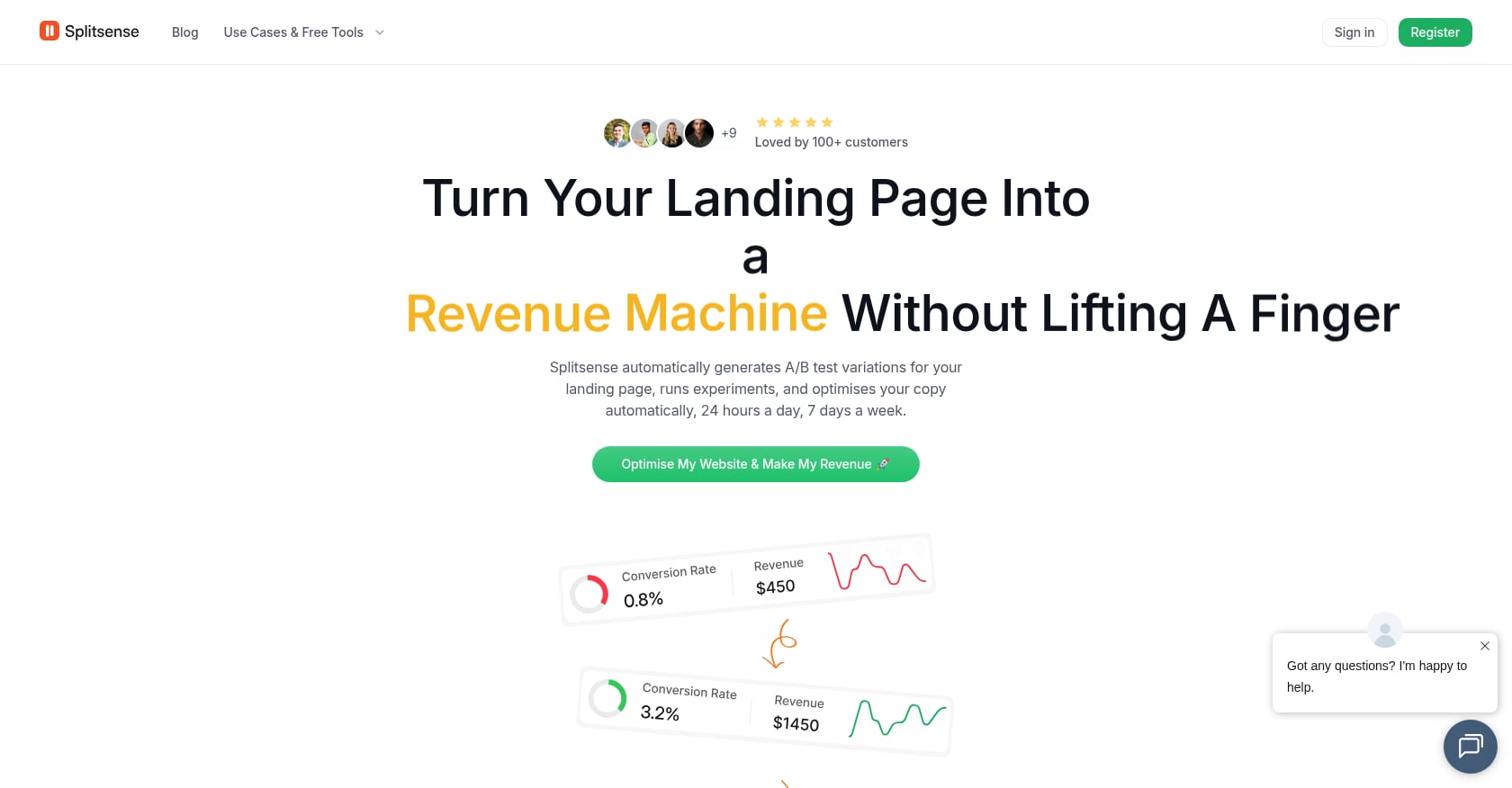
Best for: Non-technical founders and small marketing teams who want AI-driven, hands-off A/B testing on landing pages
Pricing: $9/month (Starter plan, billed monthly). Includes up to 3 websites, 5 consecutive experiments, full web analytics, an experiment agent, and an optimization agent.
Key features:
- AI-powered autonomous testing: the system analyzes your existing page, generates variations, runs experiments, allocates traffic, and selects winners
- AI copy generation using proven conversion frameworks (PAS, AIDA, BAB), so you don’t need a copywriter
- Compounding optimization loop where each winning variation becomes the new baseline, stacking incremental gains over weeks and months
- Built-in web analytics, so you monitor everything in one place
- Simple script-in-header installation that works with WordPress, Shopify, and Wix
- Free tools available without a subscription: a landing page audit and an AI copy generator
Tradeoffs:
- Less granular manual control than enterprise tools (by design, this is an autonomous approach with a human approval step before tests go live)
- Early-stage ecosystem with limited third-party reviews, though the Product Hunt launch gathered 111 upvotes and a #18 Day Rank
- Focused on landing page copy and structure, not feature flags or deep behavioral analytics
- Statistical methodology not publicly documented in detail
Real-world evidence: A published case study claims +49% revenue for Devremote (a job board) over 3 months of automated testing on headlines, layouts, and CTAs. On the Product Hunt launch thread, the makers described how Splitsense auto-creates test variations based on analytics, then waits for user approval before publishing, addressing concerns about losing control to AI.
Why it stands out at this price: At $9/month, Splitsense is the only paid conversion optimization tool under $10 per month that includes AI-generated test variations and autonomous experiment management. Every other option at this price point is either free-with-severe-limitations or $20+. The compounding optimization concept is also genuinely different: rather than running isolated tests, the system treats each winner as a new starting point, creating a feedback loop that improves results over time.
For founders who don’t have time to learn CRO methodology or write test copy, this is the fastest path from “I should be testing” to actually running experiments. Start optimizing for $9/month on Splitsense.
2. GrowthBook
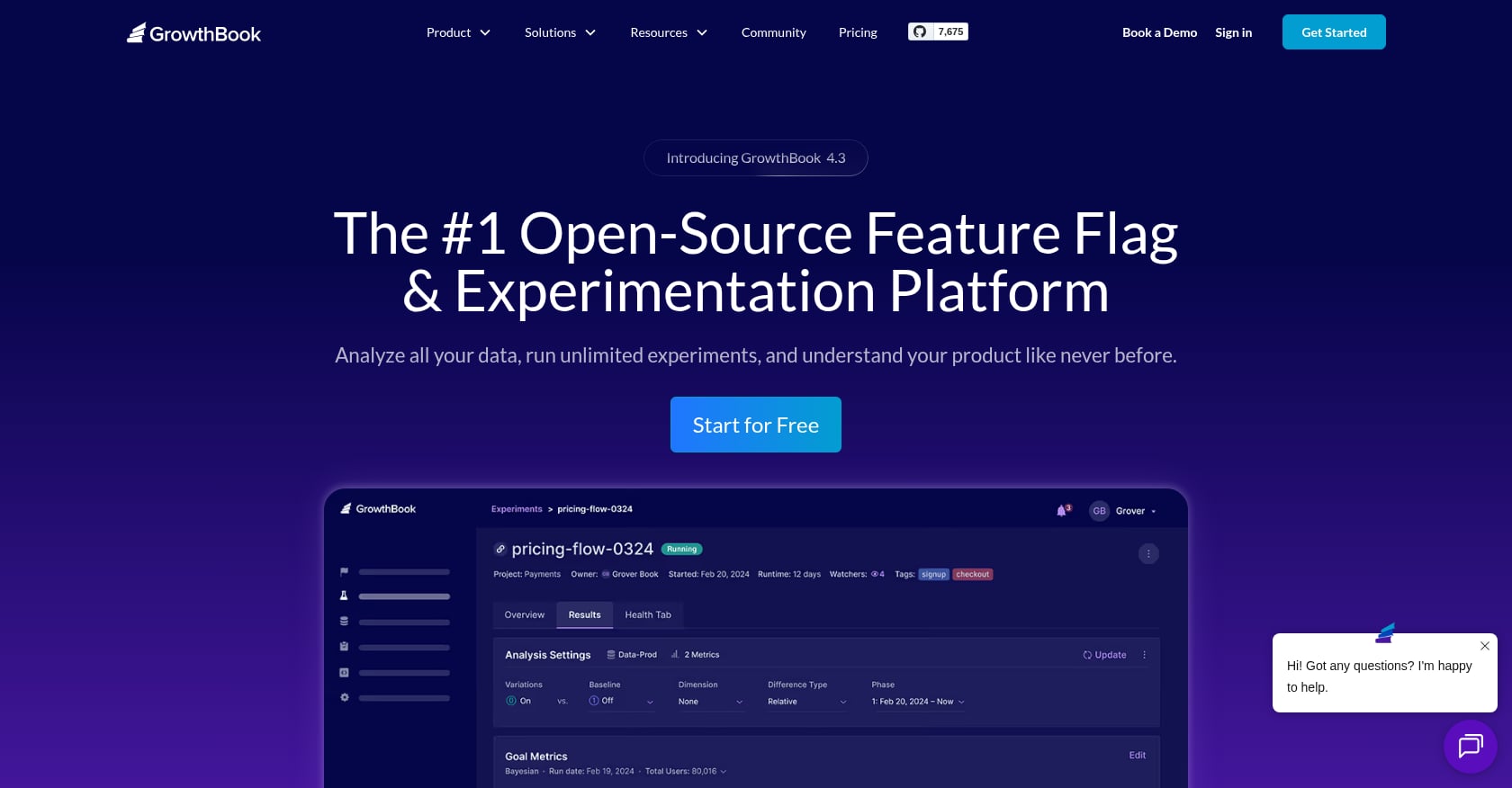
Best for: Developer-led startups or product teams who want unlimited testing with no vendor lock-in
Pricing: Free (self-hosted with no limits; cloud free tier includes 3 team members with unlimited experiments). Cloud paid tier starts at $40/person/month.
Key features:
- Unlimited experiments and feature flags on every plan
- Bayesian statistics engine for experiment analysis
- SDKs for JavaScript, React, Node, Python, Ruby, and Go
- Integrates with your existing analytics stack rather than replacing it
- Open-source codebase, so you can inspect, modify, and self-host indefinitely
Tradeoffs:
- No visual editor, meaning non-technical users cannot build tests without writing code
- Self-hosting requires server management, DevOps knowledge, and ongoing maintenance
- Cloud free tier limited to 3 team members
- Steeper learning curve than Google Optimize had
Real-world evidence: GrowthBook is widely recommended in CRO communities as the best technical replacement for Google Optimize. As one practitioner resource notes, “the learning curve for GrowthBook is steeper than Google Optimize was, but the capabilities are significantly more powerful.” If you have a developer available for setup, it’s the strongest long-term free option.
The catch: “Free” is only truly free if your team already has dev resources. For a solo marketer or non-technical founder, GrowthBook’s zero dollar price tag masks a real cost in setup time and technical dependency.
3. PostHog
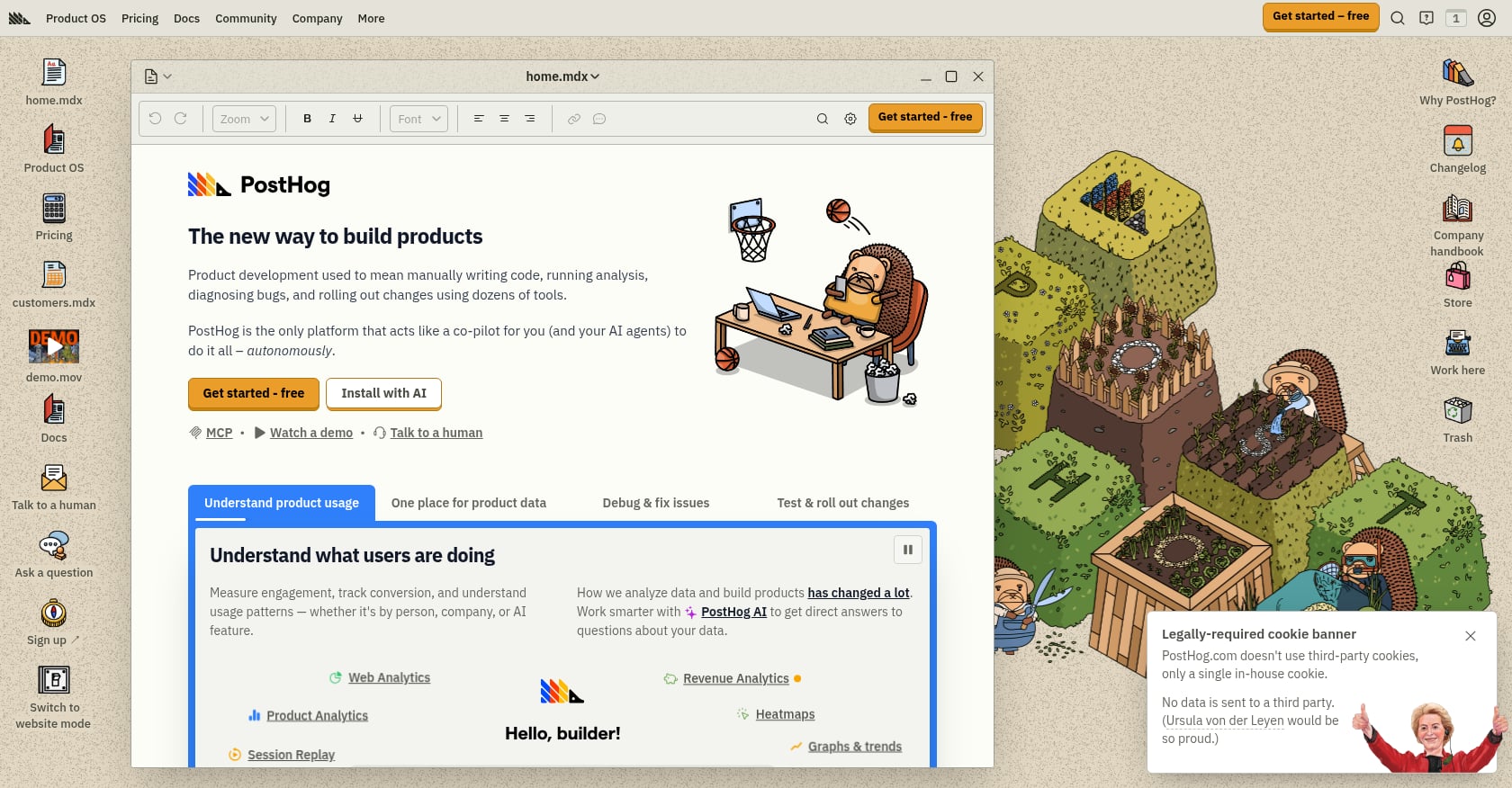
Best for: Product teams who want A/B testing, analytics, session replay, and feature flags in a single platform
Pricing: Free up to 1 million events per month for A/B testing, 15,000 session recordings per month, plus product analytics and surveys. Pay-as-you-go pricing kicks in above those thresholds.
Key features:
- A/B testing with automatic statistical significance calculation
- Product analytics, feature flags, session recordings, and surveys bundled together
- Open source and self-hostable
- Active open-source community and regular feature releases
- Replaces multiple paid tools (comparable to Amplitude + LaunchDarkly combined)
Tradeoffs:
- Steep learning curve, built for product and engineering teams
- No visual editor for creating test variations
- If you just want to test whether headline A or headline B gets more clicks, PostHog is overkill
- Event-based pricing can become expensive at scale if you exceed free thresholds
Real-world evidence: PostHog is consistently praised in developer communities for its generous free tier and all-in-one approach. Practitioners on forums note that it eliminates the need for separate analytics, testing, and recording subscriptions, which matters a lot when you’re watching every dollar.
4. Statsig
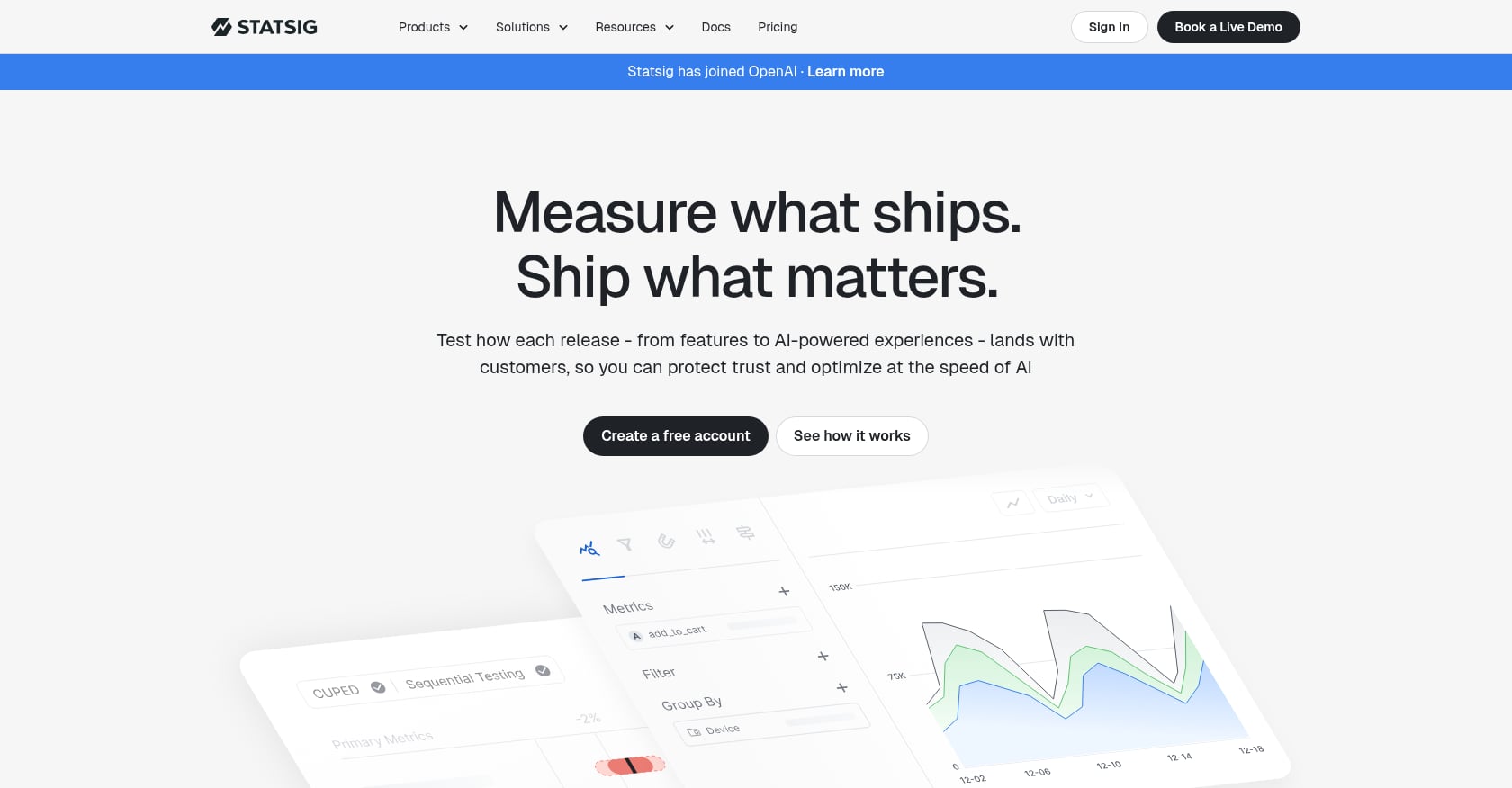
Best for: Growing businesses that need massive event volume on a free plan and don’t mind a technical setup
Pricing: Free tier includes 500 million events per year, unlimited experiments, and feature flags. Pay-as-you-go above that.
Key features:
- 500 million events per year, which covers most businesses well beyond startup phase
- Auto-tune experiments that automatically pick the winning variant
- Holdout groups and mutual exclusion groups for rigorous testing
- Statistical analysis with Bonferroni corrections for multiple comparisons
- Sidecar product (Marketing Experiments) aimed at non-technical teams
Tradeoffs:
- Primarily built for engineering and product teams
- The marketing-focused Sidecar product is newer and less battle-tested
- Can feel enterprise-heavy for a solo founder just wanting to test a headline
- Documentation assumes familiarity with experimentation concepts
Real-world evidence: Statsig’s free tier volume is unmatched in the market. No other tool comes close to 500 million events per year at zero cost. Among data-savvy product teams, it’s become a go-to choice. The tradeoff is complexity: you need to understand what you’re doing, or the tool’s power goes to waste.
5. Mida.so
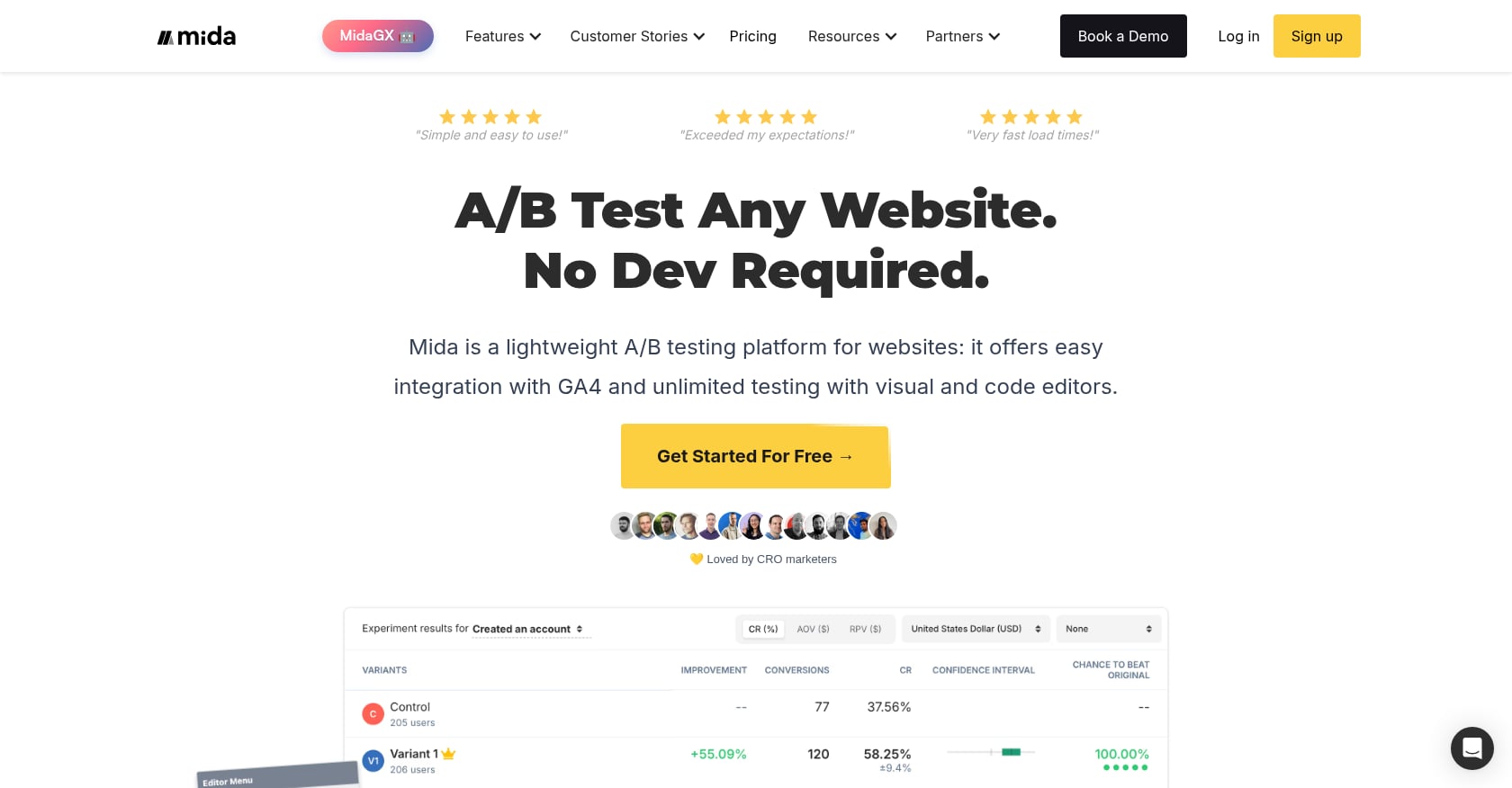
Best for: Marketers who want a lightweight, easy-to-use visual A/B testing tool without a developer
Pricing: Free Sandbox plan includes 100K monthly test users, 2 tests, 2 variants, and 30 AI credits per month. Paid Growth plan jumps to $299/month.
Key features:
- Visual editor and code editor for creating test variations
- GA4 integration for connecting with existing analytics
- AI credits for generating test ideas and copy (30/month on free)
- Lightweight script with minimal page speed impact
- 60-day data retention on the free tier
Tradeoffs:
- Free tier limited to just 2 active tests and 2 variants, which is very restrictive for any serious testing program
- The jump from free to paid ($299/month) is enormous, with nothing in between
- 60-day data retention means you lose historical experiment data quickly
- 100K monthly test users sounds generous but gets consumed fast on moderate-traffic sites
Real-world evidence: Mida.so is praised on community sites for its simplicity and focus on page speed. Published case studies show specific conversion lifts (16% for Dstrezzed, 13% for NetworkLessons.com). It’s a solid choice if you only need to run one or two tests at a time and have low traffic.
6. Nelio A/B Testing
Best for: WordPress site owners who want native, in-dashboard A/B testing without leaving the WordPress admin
Pricing: Free version includes 500 tested page views per month and 1 active test. Paid plans available for higher volume (Basic plan for 5,000 monthly views).
Key features:
- Test pages, posts, headlines, WooCommerce products, themes, widgets, menus, CSS, and JavaScript
- Heatmaps included even on the free tier
- Works with WordPress page builders
- Cloud-based tracking, so you don’t need to self-host a tracking server
- All management happens inside the WordPress dashboard
Tradeoffs:
- 500 page views per month on the free tier is extremely restrictive; a site with even moderate traffic burns through that in hours
- Only 1 active test at a time on the free plan
- WordPress-only, no use for Shopify, Wix, or custom sites
- Paid pricing displayed with VAT on their site, making cost comparison confusing
Real-world evidence: Nelio has been in the WordPress plugin directory for years and maintains positive reviews. WordPress users value the native integration, no external dashboards, no context switching. But the 500 page view limit makes the free tier more of a taste test than a real solution. If you run a WordPress site with under 5,000 monthly visitors, it might be enough. For anyone with real traffic, you’ll need a paid plan or a different tool.
7. Optibase
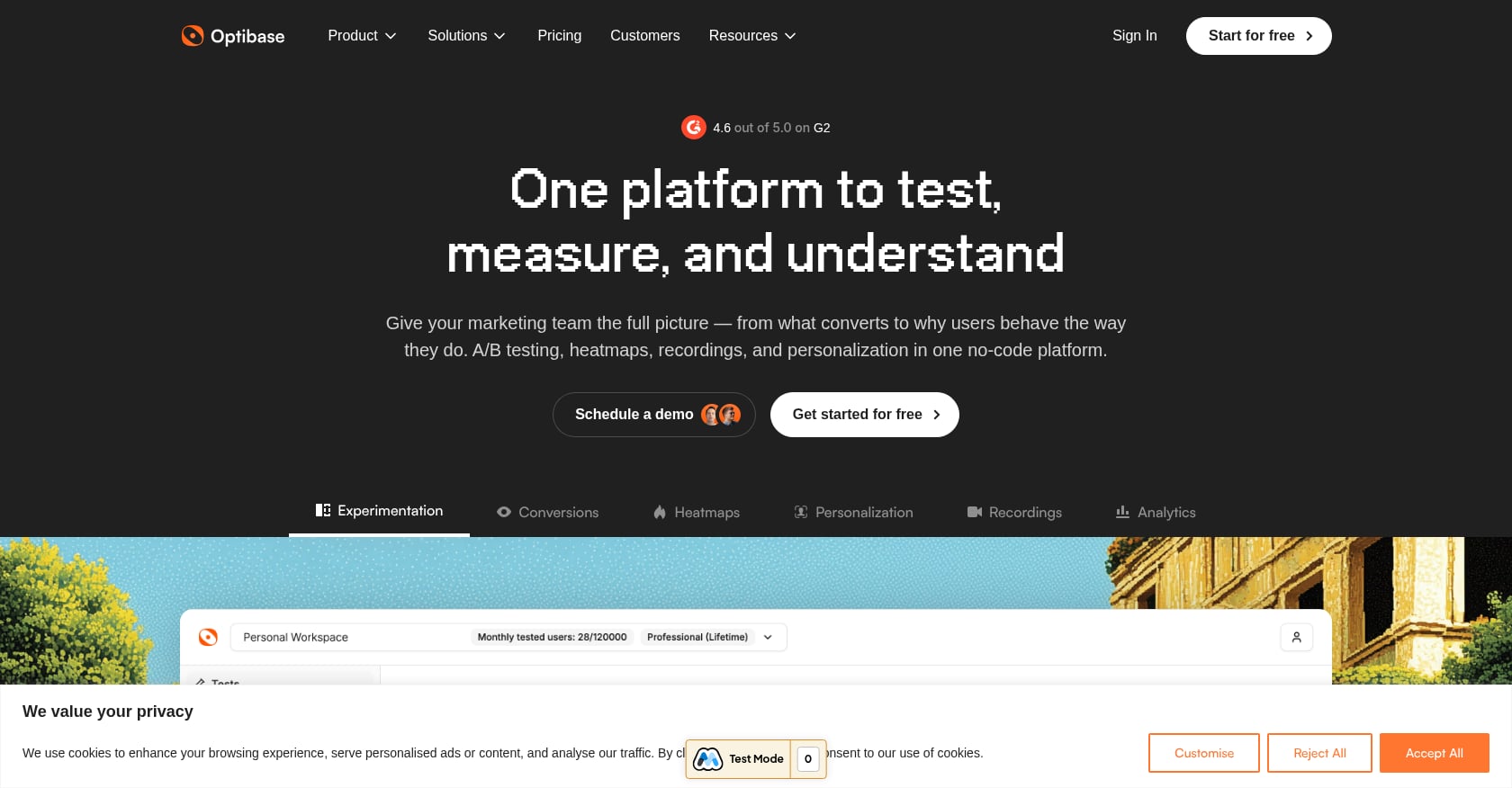
Best for: WordPress users who want A/B testing, heatmaps, and personalization in a single plugin
Pricing: Free tier includes 10K tested users. Basic paid plan starts at $79/month.
Key features:
- A/B testing and personalization features
- Built-in heatmaps and user recordings
- Analytics dashboard included
- No-code visual editor for creating variations
Tradeoffs:
- Free tier is very limited at 10K tested users
- Paid plans start at $79/month, so the upgrade path isn’t budget-friendly
- Newer tool with less market validation and fewer community reviews
- WordPress-only
Optibase is worth trying if you’re already on WordPress and want to explore testing alongside heatmaps. But the 10K user limit and the steep paid tier make it hard to grow into without a meaningful budget jump.
8. Microsoft Clarity
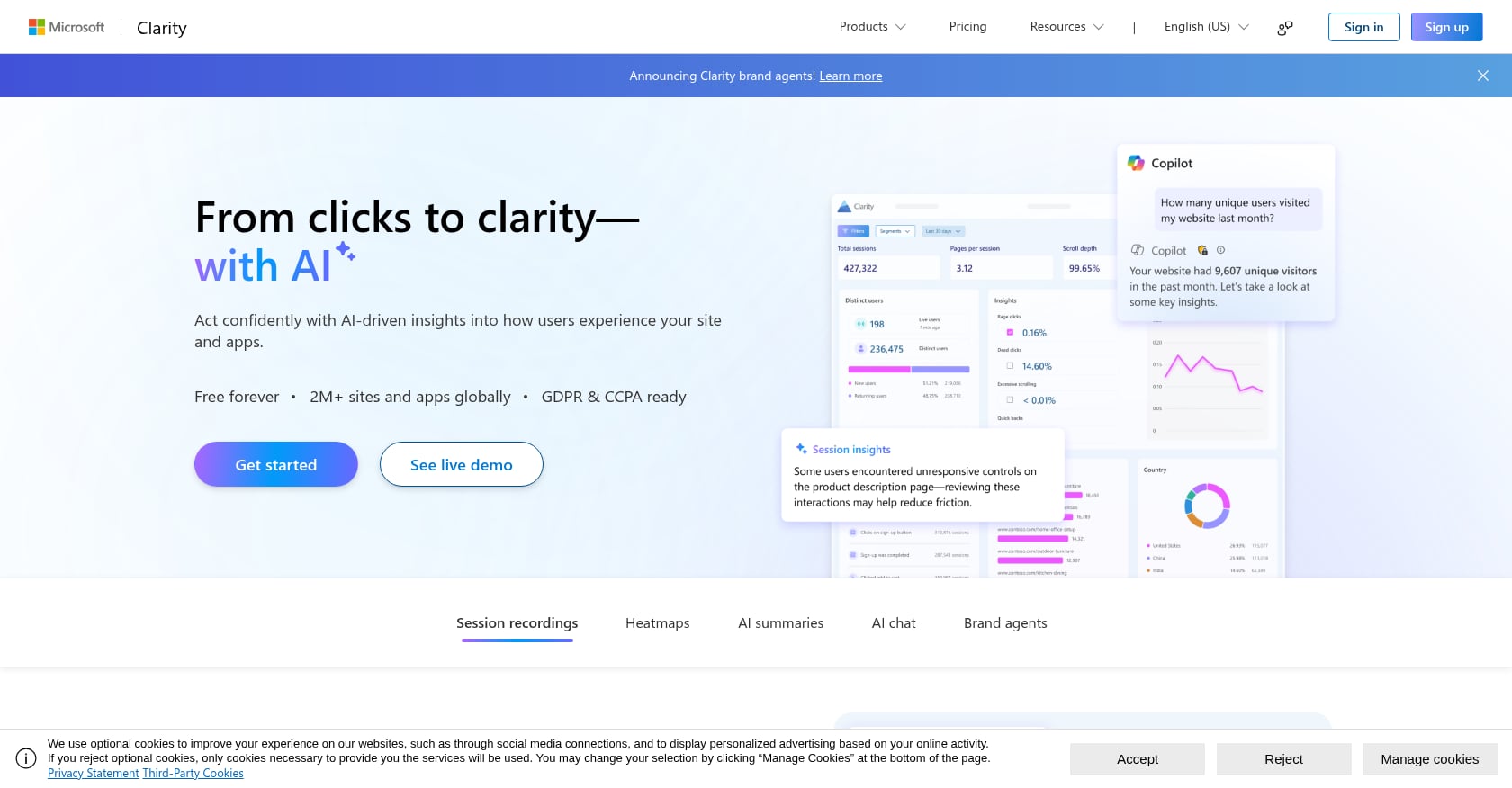
Best for: Everyone. A free companion tool that shows you what to test before you pick an A/B testing platform.
Pricing: Completely free with no usage limits.
Key features:
- Heatmaps showing where users click, scroll, and hover
- Session recordings so you can watch real visitor behavior
- Dead click detection, rage click detection, and quick-back identification
- GA4 integration for connecting insights with your analytics
- AI-powered Copilot summaries that surface behavioral patterns
- No traffic limits at all
Tradeoffs:
- Not an A/B testing tool. You cannot run split tests with Clarity.
- Tells you what might be broken, but not which fix works best
- Session recordings can become a time sink if you watch without a clear hypothesis
Why include it here? Because the most common mistake with budget conversion optimization is testing random changes. Microsoft Clarity tells you what’s actually happening on your page, where users get stuck, where they drop off, what they ignore, so your tests target real problems instead of guesses.
Pair Clarity with any testing tool above. Watch five session recordings, notice a pattern, then build a test around it. That combination, free behavioral insights plus an affordable conversion optimization tool under $10 per month, can outperform expensive enterprise setups run without clear hypotheses.
Honorable Mentions: Just Above the $10 Threshold
These tools didn’t make the main list because they exceed $10/month, but they’re worth knowing about if your budget has a little more flex:
- Humblytics Plus ($19/month): Includes 1 A/B test. Very limited, but usable for single-page optimization.
- Sigmize Starter (~$21/month on annual billing): WordPress and WooCommerce focused. Decent if you’re committed to the WordPress ecosystem.
- Zoho PageSense ($30/month for Enterprise): Analytics features are free, but A/B testing requires the Enterprise plan. Not cheap, but Zoho’s broader ecosystem integration adds value if you’re already a Zoho user.
How to Choose: A Simple Decision Framework
With eight options on the table, here’s how to narrow it down fast.
Do you have a developer on your team? If yes, GrowthBook or PostHog give you unlimited free testing power. GrowthBook for pure experimentation, PostHog if you also want analytics and session replay.
Are you a solo founder, freelancer, or small marketing team without dev resources? Splitsense is the clearest fit. It handles test creation, traffic allocation, and winner selection autonomously, and you approve everything before it goes live. No code required. At $9/month, it’s also the only affordable conversion optimization tool under $10 per month with AI built in.
Is your site on WordPress? Nelio A/B Testing gives you native dashboard integration for free (within tight limits). Splitsense also works with WordPress through a simple header script, with higher volume and AI automation.
Running a Shopify store? Most budget tools here are platform-agnostic, but Splitsense specifically lists Shopify compatibility. For more on optimizing Shopify stores, the Splitsense Shopify optimization guides cover platform-specific strategies.
Need massive event volume? Statsig’s 500 million events per year on the free tier is unbeatable if you have the technical chops to use it.
Not sure what to test first? Start with Microsoft Clarity (free, unlimited) to understand user behavior, then move to a testing tool once you have clear hypotheses.
What to Expect from Sub-$10 Conversion Optimization Tools (Honest Take)
Setting realistic expectations matters. Here’s what you will and won’t get from tools at this price point.
What you won’t get: Multivariate testing, server-side experimentation, deep personalization engines, advanced audience segmentation, or dedicated customer success managers. Those features live in the $200+/month tier for a reason.
What you will get: Basic A/B testing on headlines, CTAs, body copy, and page structure. And that’s not a consolation prize. Headline and CTA tests drive the majority of landing page conversion wins. The 80/20 rule applies heavily here: simple copy and layout changes generate most of the measurable improvement.
Longer-term CRO programs (six months or more) tend to outperform short bursts due to learning and compounding effects. This is where tools with autonomous, continuous testing, like Splitsense’s compounding optimization loop, have an advantage over one-off manual experiments. Each winner becomes the new baseline, and improvements stack.
The broader CRO tools market is projected to reach $5 billion by 2025, and AI-powered platforms now claim average conversion lifts of around 25% for adopters. You don’t need an enterprise budget to access that kind of improvement. You just need to start testing consistently.
For more strategies on getting results from small-budget optimization, the Splitsense blog covers practical approaches to A/B testing and conversion improvement.
Frequently Asked Questions
Is free A/B testing really free?
It depends. Tools like GrowthBook and PostHog have genuinely useful free tiers, but they require developer time to set up and maintain. If you’re hiring a developer at $100/hour for 10 hours of configuration, your “free” tool just cost $1,000. For non-technical users, a $9/month tool like Splitsense that works out of the box is often cheaper in total cost than a free tool that demands technical setup.
How much traffic do I need for A/B testing to work?
There’s no magic number, but most tests need at least a few hundred conversions per variation to reach statistical significance. If your page gets 1,000 visitors per month with a 3% conversion rate, that’s 30 conversions, and you’d likely need to run a test for several weeks. Lower traffic doesn’t mean you can’t test, it just means tests take longer to reach reliable conclusions.
Can I A/B test on Shopify for under $10 per month?
Yes. Splitsense works with Shopify through a simple header script installation and costs $9/month. Most Shopify-specific testing tools (like ABConvert at $99/month) are far more expensive. For Shopify store owners building or scaling their business, the Shopify dropshipping guide covers foundational strategies that pair well with conversion testing.
What happened to Google Optimize?
Google shut down Optimize in September 2023, removing the most widely used free A/B testing tool from the market. Over 500,000 websites lost their testing capability overnight. Google directed users toward paid alternatives like Optimizely, but most small teams simply stopped running experiments. The tools in this list represent the best current alternatives for budget-conscious teams.
Is $9/month enough for real conversion optimization?
For landing page optimization, yes. Splitsense’s Starter plan at $9/month includes AI-generated test variations, autonomous experiment management, traffic allocation, and built-in analytics for up to 3 websites. That covers the core workflow: identify what to test, create variations, run the experiment, and pick the winner. You won’t get enterprise features like server-side testing or multi-page funnels, but for headline, CTA, and copy optimization on landing pages, $9/month covers what matters.
Should I pair a free CRO tool with a paid one?
Often, yes. The strongest budget setup combines Microsoft Clarity (free behavioral insights) with an actual testing tool. Clarity shows you where users struggle. A testing tool lets you experiment with fixes. This pairing, behavioral data plus an affordable conversion optimization tool under $10 per month, gives you both the “what” and the “whether it works.” You can also use Splitsense’s free copy generator to draft test variations before committing to any paid plan.
How long should I run an A/B test?
At minimum, run tests for one full business cycle (usually one to two weeks) even if you hit statistical significance earlier. This accounts for day-of-week and time-of-day variations in visitor behavior. Tools with automatic winner selection, like Splitsense’s optimization agent, handle this timing for you, but if you’re running tests manually, resist the urge to call a winner after just a few days.
Do budget conversion optimization tools slow down my website?
Most modern tools use lightweight JavaScript snippets that add minimal page load time. Mida.so specifically emphasizes this, and Splitsense uses a simple script-in-header approach. The tools most likely to impact performance are heavier enterprise suites with multiple tracking layers. At the sub-$10 price point, you’re typically dealing with lean code that won’t meaningfully affect page speed.